
Solutions › Computers
Workstations · PCs · Macs · notebooks · tablets
Volume product refurbishment.
In your production the key driver is automation, and time-to-remarket is what decides your profit. With our solution you script flexibly along your production requirements and your customers' requests, so the automation is completely customised to you. Your operators press Start and follow the guided process you defined. The repair diagnostic runs at the same time as the data erasure, so both are done in one run — and together with unlimited use during the one-year licence term, that is what lets you run your business best in class.
The mechanism
The wipe is the long job.
Everything else fits inside it.
A certified erasure runs for as long as the method and the capacity demand. Rather than wait for it and then start grading, the diagnostic runs during the wipe.
When the erasure completes, the hardware report is already written. That takes time out of the total run — not just a step out of the handling.
What is tested while the drive is wiped
- Keyboard and pointing device
- Display, backlight and dead-pixel scan
- Battery health and charging circuit
- Ports and connectors, wired and wireless
- Graphics, memory and CPU under load
- System board, fans and thermals
Which tests run, in what order, against what pass criteria — it's your decision (for example, scripted per line or per customer).
Your evidence
Two documents for every machine.
With the toolstar suite you get certified data wiping and high-quality diagnostics — scriptable to your own requirements. Each device leaves with an erasure certificate naming the method that actually ran and its result, and a test protocol listing every check with its outcome. Both carry your logo and your own fields, and export as PDF, TXT, HTML, XML or JSON — saved locally, to a network share, by email, or straight into a database.
Samples from the client's own reports. Serial numbers, MAC addresses, asset IDs and customer names have been covered.
What the reports recordHide the detail
The fields are yours to set. These are the ones the sample reports above carry.
Erasure certificate
- Device name, serial number and asset ID
- Your company, the operator, and the customer the job was for
- Drive model, capacity, sector count and reallocated sectors
- SMART status, rating and power-on hours
- HPA, DCO and accessible-max state before erasure
- The erasure method that ran, named in full
- Verification, including spot-check percentage
- Duration, and the result
Test protocol
- The script that ran, the number of tests and how they were grouped
- Start time and total duration
- Every test by name, with passed or failed against it
- How many times each test ran, and the error count
- Processor, mainboard, memory, drives, graphics and interfaces
- Hardware monitoring history — temperatures, fan speeds, voltages
- Full system overview: CPU, board, memory modules, ports, network
- Accessories, installed OS, BIOS reset and device condition
On the floor
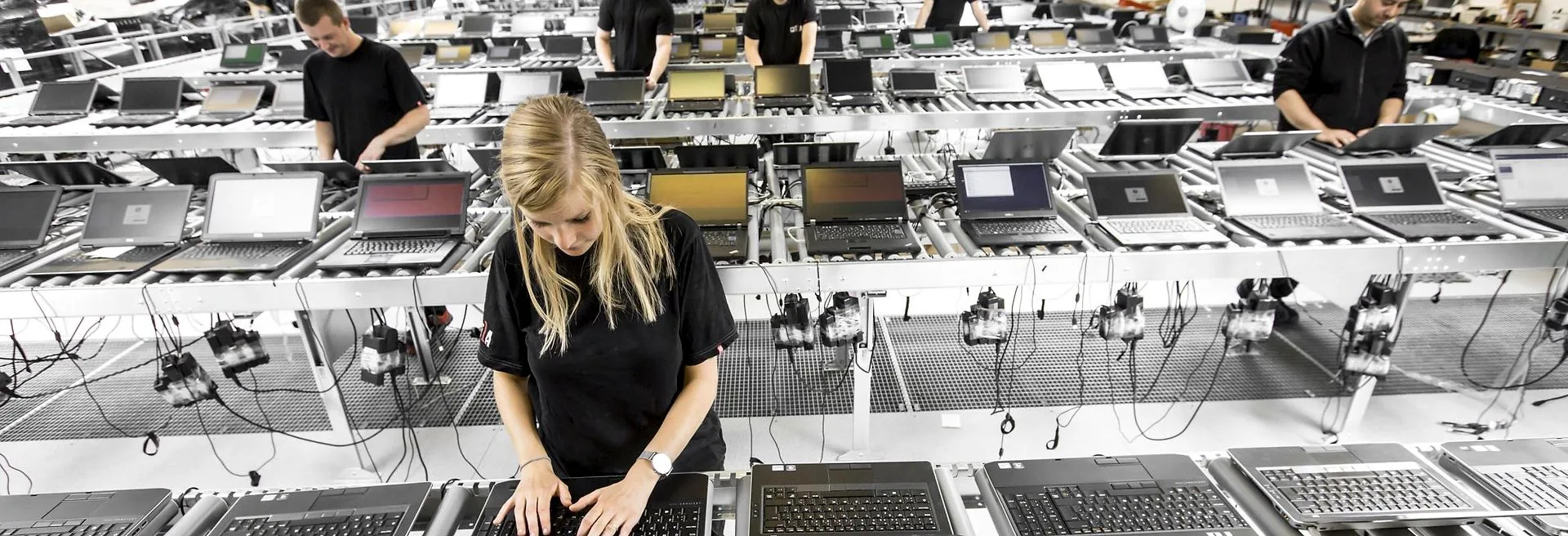
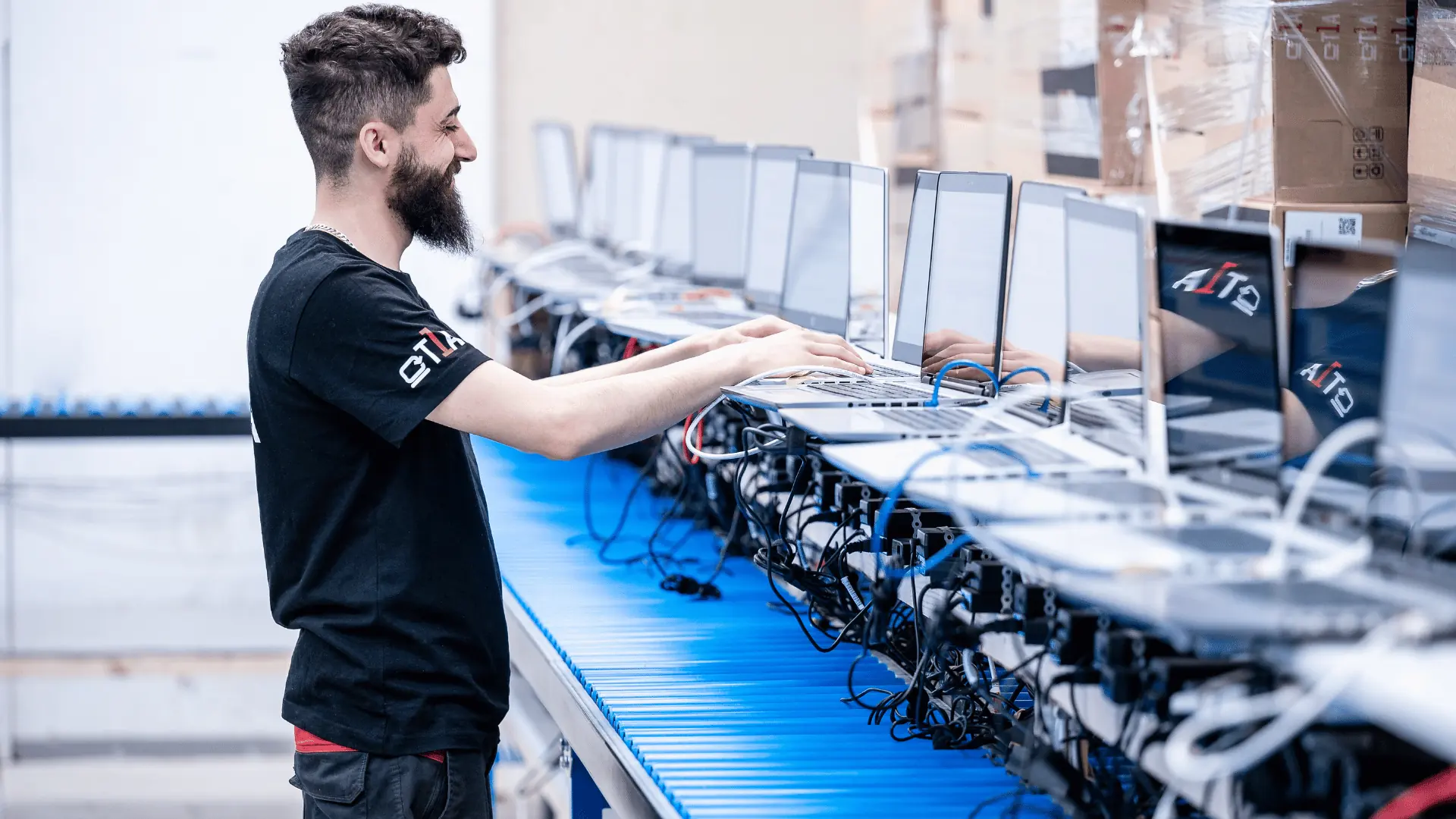
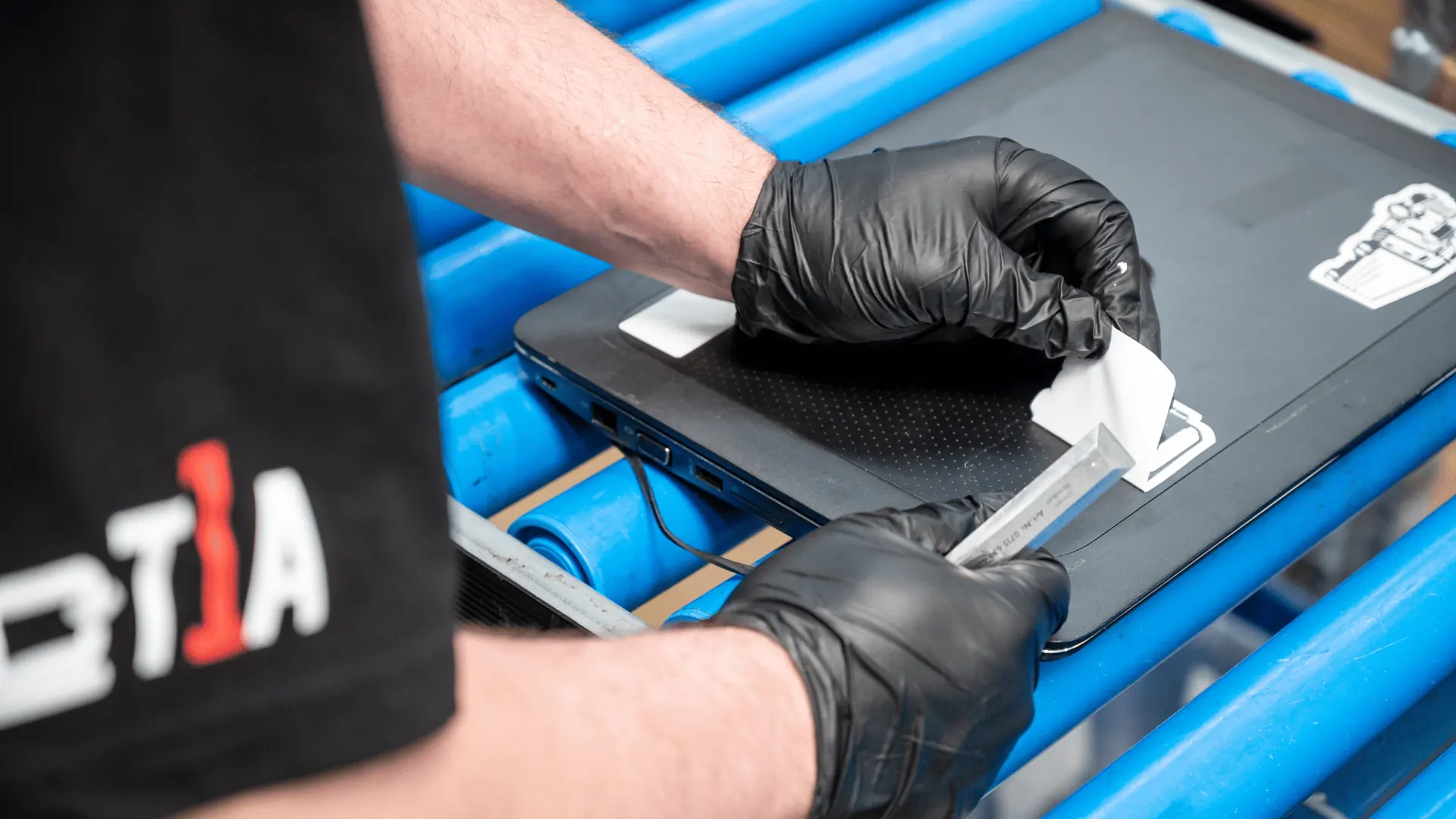
Factory or small midsize — the quality of the solution you work with counts.
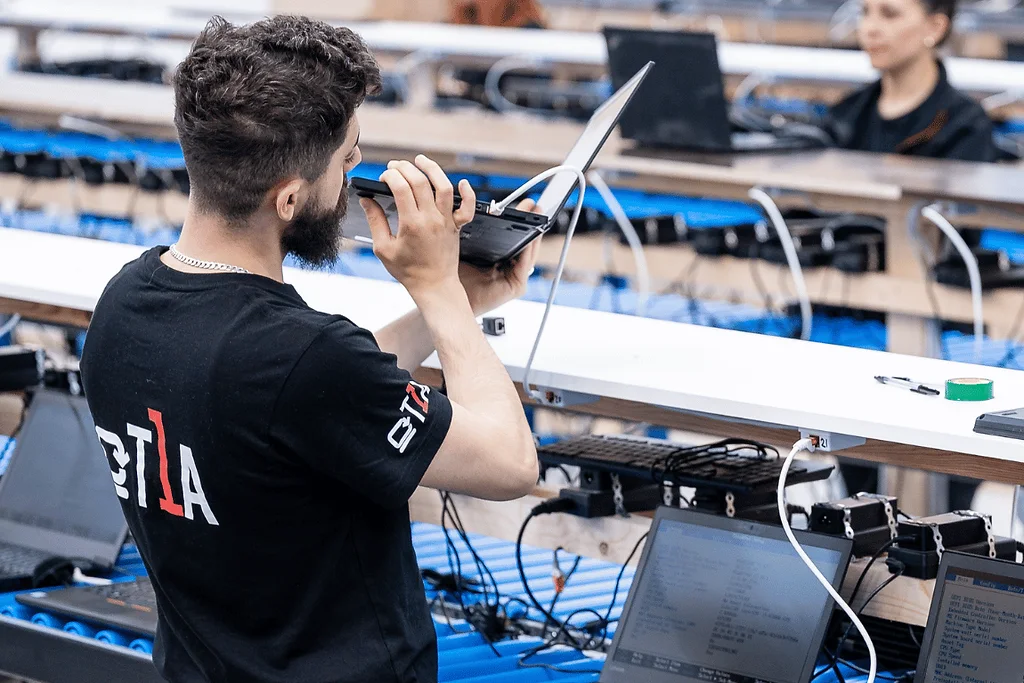
Start the batch, walk away
Devices run unattended. The operator returns to results, not to a queue of prompts.
Desktops and workstations too
The same line handles towers and small-form-factor machines — Intel-based tablets included.
Offline where required
Runs with no internet connection at all, for service partners who are not permitted one.